
Turn Any Menu Into a Professional Restaurant Menu
Upload a photo, PDF, screenshot, or menu file and instantly transform it into a professionally designed menu complete with food images, QR codes, seasonal themes, and printable layouts.
No account. No password. Just your menu.
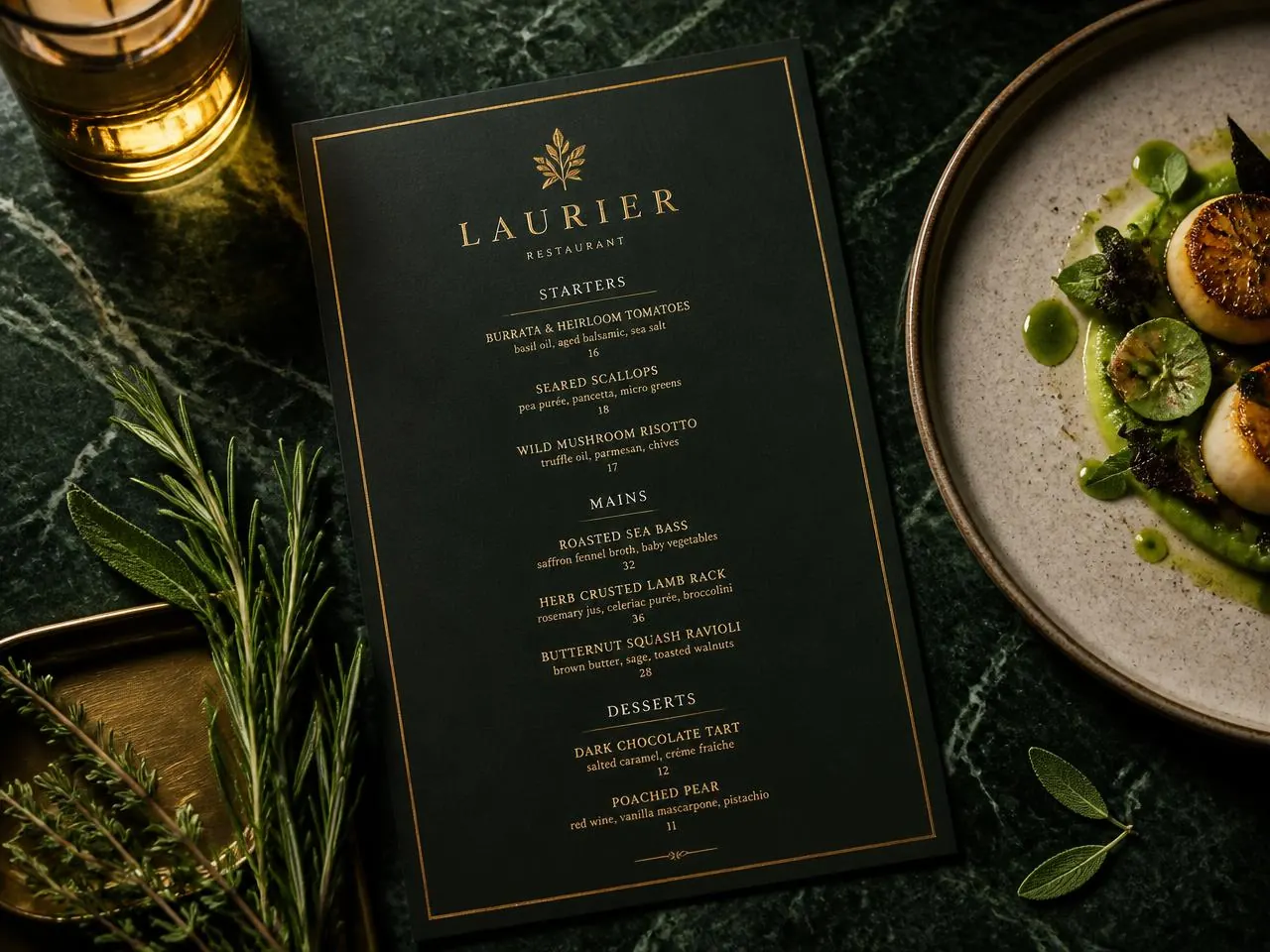
QR menu included
Your shareable menu link
Restaurants Near You
Search restaurants by ZIP code and discover menus before you visit.
Browse real restaurant listings, menus and opening information.
Find restaurants
Four steps. No account.
Step 1
Upload your menu
Drop a JPG, PNG, PDF, DOCX or screenshot into the upload zone.
Step 2
AI reads & organizes
OCR extracts dish names, descriptions, prices and sorts them into sections.
Step 3
Pick a template
Choose from restaurant, seasonal, event and flyer designs, then customize.
Step 4
Download & share
Get a print-ready PDF, hosted digital menu and QR code instantly.
Customers buy with their eyes
Food image enhancement
Upload your own photos, use AI-generated placeholders, or pick from stock food imagery — with auto-crop, background removal and spotlight effects.
QR code + hosted menu
Every paid order gets a hosted menu link and QR code with a subtle “Made with Germenu” footer.
Print it your way
Download a US Letter or A4 PDF and print yourself or with a local printer. Germenu provides digital files, not physical copies.
Digital menu plans
See full pricingStarter
30 days free
A 30-day trial, not a permanently free plan.
Not available yet. The monthly price after the trial, billing start date and cancellation terms will be confirmed before enrollment. No trial has started and no automatic billing is enabled.
Existing published menu links and QR codes remain available; no trial-expiry restrictions are currently applied.
Your new menu is one upload away
Menus, flyers, banquet and wedding cards — designed, hosted and print-ready.